
It can be unsettling to see constant disk activity when no apps are open and you’re not actively doing anything. The system feels busy for no visible reason, and it’s easy to assume something is wrong or out of control.
In many cases, this behaviour is normal and tied to how Windows manages background work.
What’s Normal vs What Isn’t
It’s normal for a disk to stay active:
- After startup
- After updates
- During background maintenance
- When the system appears idle
It’s less normal if:
- Disk activity never slows down
- The PC remains sluggish all day
- Performance steadily worsens
Occasional background activity is expected. Constant disruption is not.
Why It Often Looks Worse Than It Really Is
When nothing is open, expectations are high. Any noise, delay, or blinking disk light feels unnecessary. In reality, Windows uses quiet periods to catch up on tasks it avoids running during active use.
This makes normal background behaviour feel intrusive.
Why System Metrics Can Be Misleading
Disk usage doesn’t show intent. Task Manager can’t easily distinguish between:
- Heavy transfers
- Many small background requests
- Maintenance tasks working through queues
This makes the disk look constantly “busy” even when it’s making steady progress.
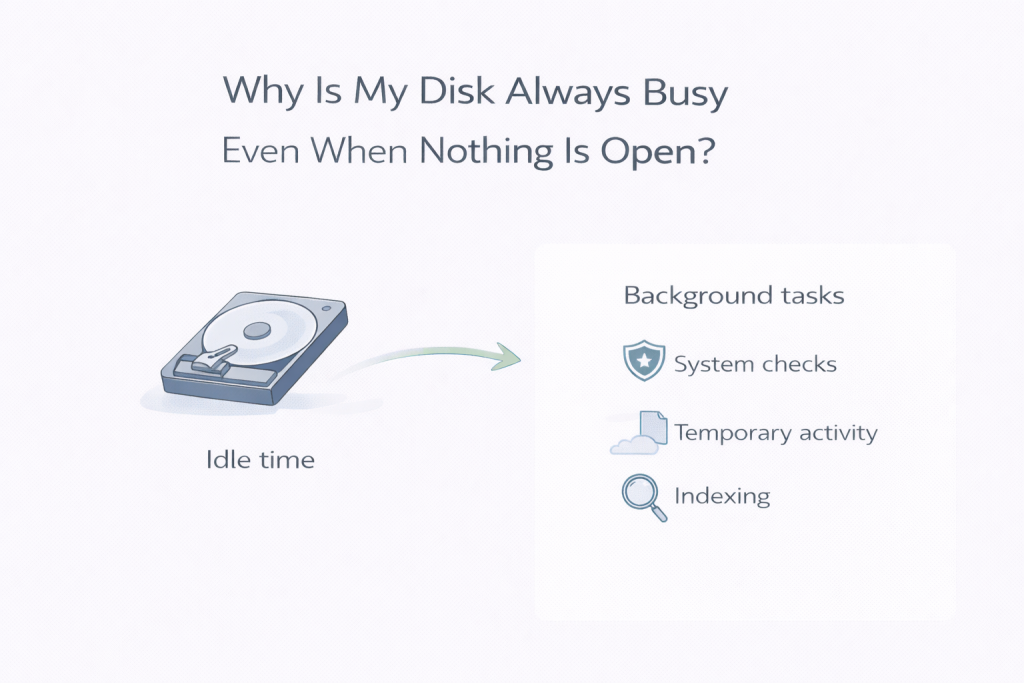
Common Underlying Causes
A disk that appears busy at idle is often handling:
- File indexing
- Security scanning
- System cleanup
- Update-related tasks
- App background services
These processes are routine and usually temporary.
When It Usually Settles on Its Own
In many cases:
- Activity reduces once maintenance completes
- The system becomes responsive again
- Disk usage drops during idle periods later in the day
If things quieten down naturally, that’s a reassuring sign.
When It’s Reasonable to Investigate Further
It’s worth investigating if:
- Disk activity never eases
- Performance remains poor for days
- Errors or warnings appear
These may indicate deeper storage issues.
Common Mistakes That Make Things Worse
Avoid:
- Disabling essential background services
- Installing aggressive “drive management” tools
- Restarting repeatedly without allowing tasks to finish
These can interrupt normal system behaviour.
Closing Thoughts
A disk that stays busy when nothing is open is often just Windows doing background work. If activity settles over time, the system is usually functioning as intended.
Leave a Reply