
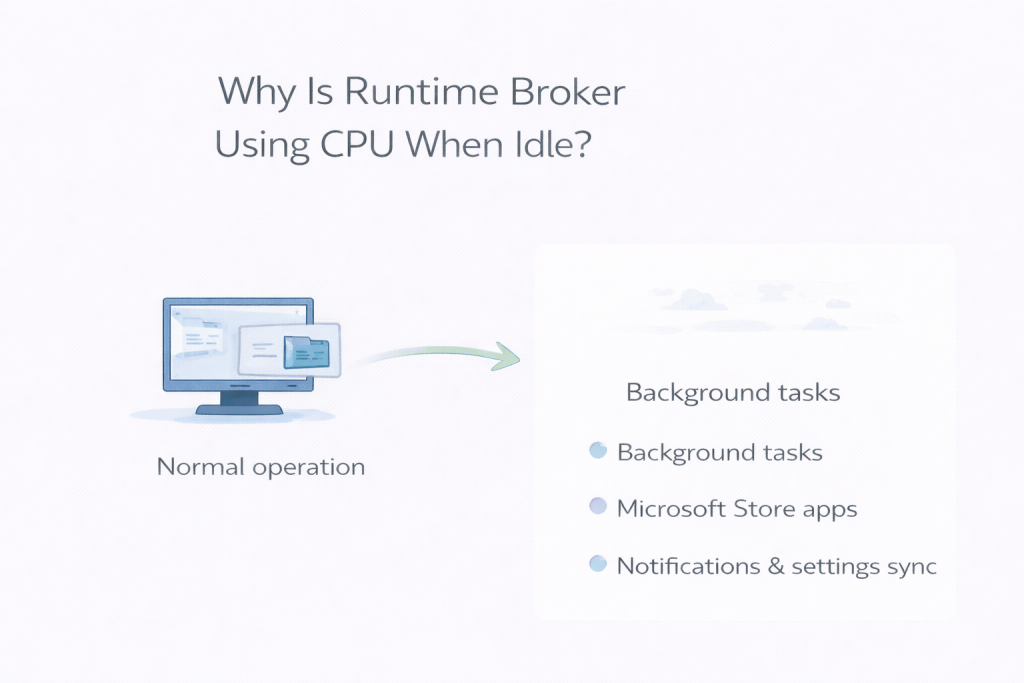
Runtime Broker often appears unexpectedly, even though you didn’t open any apps. This can feel intrusive, but it’s usually harmless.
Runtime Broker manages permissions for Windows apps and checks whether apps are behaving correctly. These checks often happen while the system is idle.
Normal vs Not
Short CPU spikes are expected. Constant usage is not.
Why It Feels Worse
Because Runtime Broker isn’t something you actively use, any activity feels unnecessary.
Task Manager Limitations
Permission checks are brief and may not show sustained usage.
What Not to Do
Disabling Runtime Broker can cause app issues.
Final Thoughts
Runtime Broker usually settles quickly and doesn’t need intervention.
Leave a Reply