
Hearing or seeing constant drive access can feel intrusive, especially when you’re not actively using the PC. It’s natural to wonder why Windows keeps reading or writing to the drive without obvious reason.
In most cases, this behaviour is routine rather than suspicious.
What’s Normal vs What Isn’t
It’s normal for Windows to access the drive:
- During background maintenance
- After updates
- When monitoring system health
- When the system is idle
It’s less normal if:
- Access never stops
- The PC becomes unusable
- Errors or crashes occur
Regular access is expected. Constant disruption is not.
Why It Often Looks Worse Than It Really Is
Drive access is more noticeable than other background activity. On some systems, you can hear it or see indicator lights, which makes normal maintenance feel excessive.
Windows schedules much of this work during idle periods to avoid interrupting active use.
Why System Metrics Can Be Misleading
Task Manager shows activity, but not purpose. It doesn’t clearly indicate whether Windows is:
- Scanning
- Indexing
- Cleaning up
- Updating files
Without that context, the behaviour can feel unexplained.
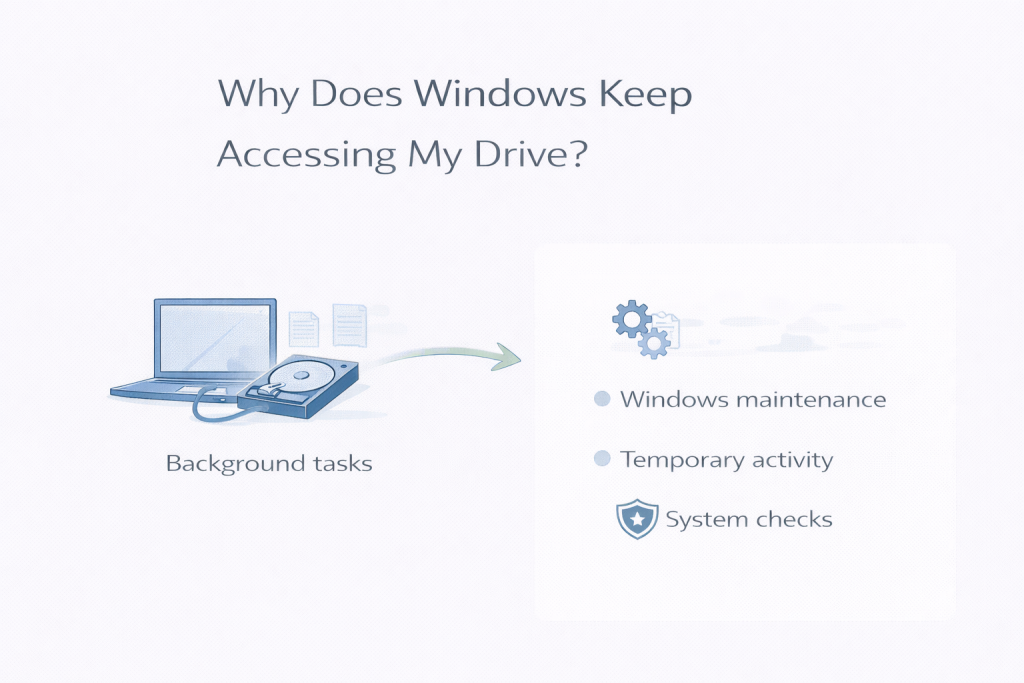
Common Underlying Causes
Windows frequently accesses the drive for:
- Update preparation
- File indexing
- Security monitoring
- System diagnostics
- App background tasks
These are part of keeping the system stable and secure.
When It Usually Settles on Its Own
In many cases:
- Drive access reduces after maintenance completes
- Activity becomes less noticeable
- Performance improves during idle periods
If access gradually decreases, that’s normal.
When It’s Reasonable to Investigate Further
Investigate further if:
- Access is constant for long periods
- Performance degrades steadily
- Warnings or errors appear
These may point to storage or software issues.
Common Mistakes That Make Things Worse
Avoid:
- Blocking Windows background processes
- Using third-party “monitoring blockers”
- Disabling update-related services
These can cause instability or failed updates.
Closing Thoughts
Windows accessing the drive regularly is usually part of routine maintenance. If activity settles naturally, it’s a sign the system is working as designed.
Leave a Reply